$ forced
adoption,
solved.

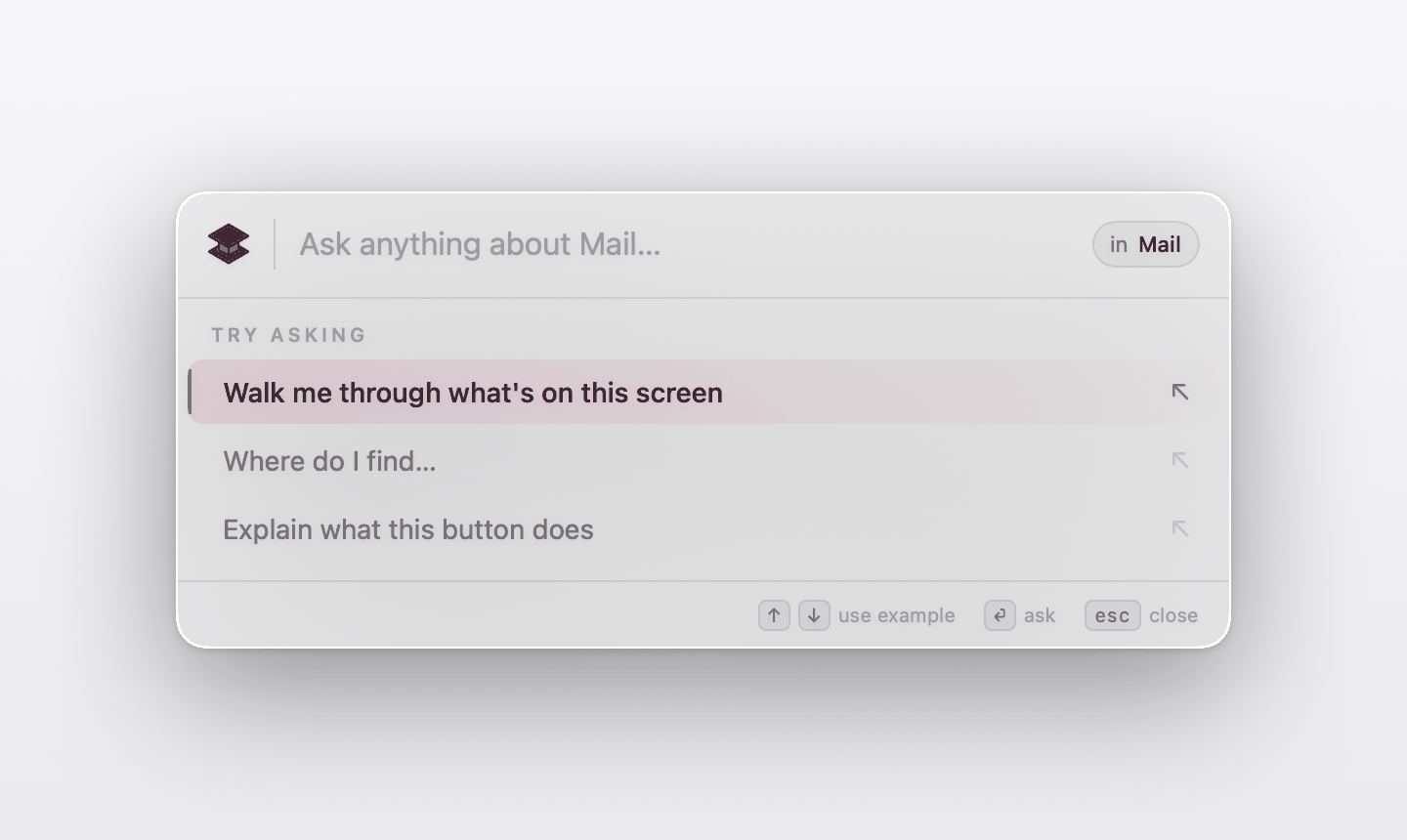
Lectere is the AI assistant that shows you the next click — inside the software you were already told to use. Medicare. Salesforce. SAP. The DMV portal. Press ? for help; we draw the rest.

/launch '26 June · waitlist open
// 01 · refocus tax
23min

to regain focus every time a user leaves their app to search for help.

— UC Irvine
// 02 · context churn
1,200×

app and tab switches the average knowledge worker makes in a single day.

— Harvard Business Review
// 03 · training gap
59%

of employees receive no formal software training. 9 in 10 want it in the moment.

— industry surveys
man lectere

three principles. that's it.

Detect, overlay, adapt. No SDK install. No screen-recording. No retraining when the UI moves.

01 / principle

contextual detection

Lectere identifies the software you're using and recognizes exactly where you are within it — live, no screen-recording, no SDK install.

02 / principle

on-screen guidance

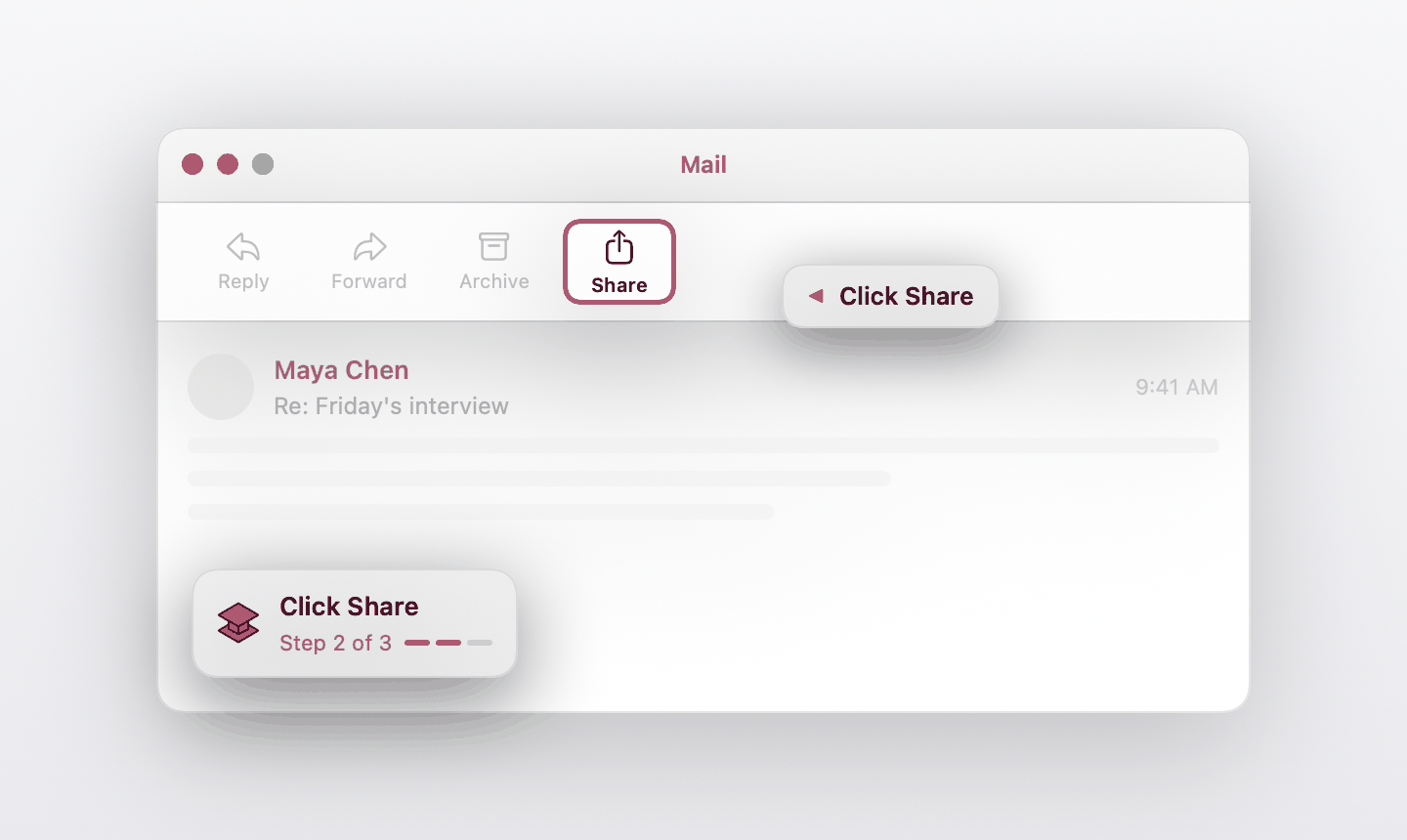
A visual cursor shows exactly where to click, with plain-language explanations. No tab switching. No outdated tutorials.

03 / principle

continuous adaptation

When software updates, Lectere's guidance updates with it. Never outdated, never broken.

./run --demo

watch it do the thing.

Tiny doc editor. Click the window to step through Lectere's overlay — same cursor, every app.

~/docs/project_proposal.doc

Project Proposal

This document outlines the key objectives and milestones for our upcoming project. The goal is to improve user engagement and reduce friction.

Key Objectives:

  • Increase user retention by 25%
  • Reduce onboarding time by 40%
  • Improve customer satisfaction
// transcript01 / 06
[01]Open the "Insert" menu to add new content to your document.
[02]Open the style dropdown to change text formatting.
[03]Use bold to emphasize the most important words.
[04]Add italic for soft emphasis on a phrase.
[05]Underline only when you mean it — links, never decoration.
[06]Click "Share" to invite collaborators by email.
tip — same overlay, every app. no tabs, no tutorials.
whoami

built for the forced adopter.

Anyone who didn't choose the software but has to use it anyway — especially the people every other product forgot.

b2c · students

students & early careers

Canva, PowerPoint, Excel, Notion. Step-by-step help for assignments and first jobs — without leaving the tab.

01
b2b · smb

small businesses

Owners and teams adopting CRMs, dashboards, and design tools. Cut support tickets. Close more days.

02
b2b · schools

schools & educators

Google Workspace, Canvas, and digital literacy programs. Guidance for every student, including ESL learners.

03
b2c · pros

non-technical professionals

Healthcare workers, teachers, and small business owners — the people every other product forgot.

04
cat pricing.txt

plain prices.

Two plans. No upsells, no "talk to sales." Cancel from the same screen you signed up on.

plan_01 / free

Free

$014-day trial
  • Core app features
  • Limited usage
  • Basic integrations
join_waitlist
most picked plan_02 / essential

Essential

$20/mo · or $220/yr
  • Core app features
  • Unlimited usage
  • External integrations
  • Email support
join_waitlist
plan_03 / teams

Teams

$45/mo per user · or $475/yr
  • Admin dashboard
  • Team analytics
  • Custom documentation tools
  • Collaboration features
join_waitlist

stay in the loop.

One email a month. Lectere news, early-access drops, the occasional hot take on accessibility. Unsubscribe whenever.

$ subscribe --email